Downloading the DeviceAssure Web Library
Follow these steps to download the library and obtain your licence key.
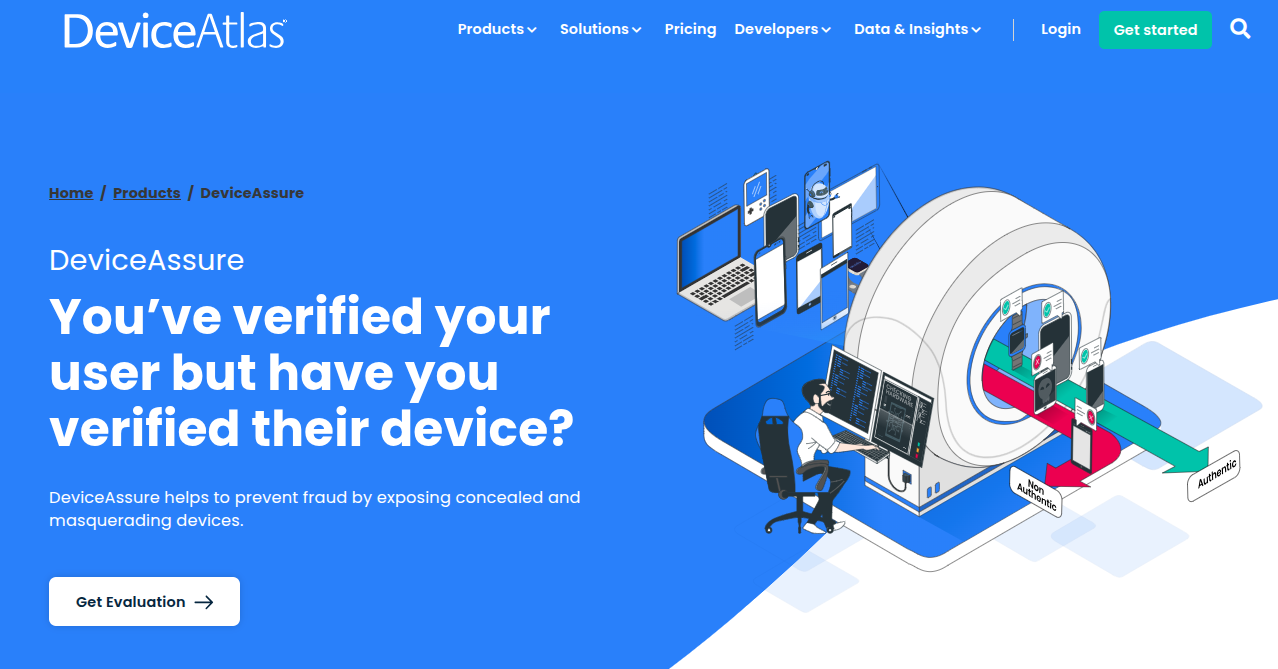
Step 1: Visit the DeviceAssure Product Page
Go to https://deviceatlas.com/products/deviceassure
Step 2: Request an Evaluation
Click on the 'Get Evaluation' button.
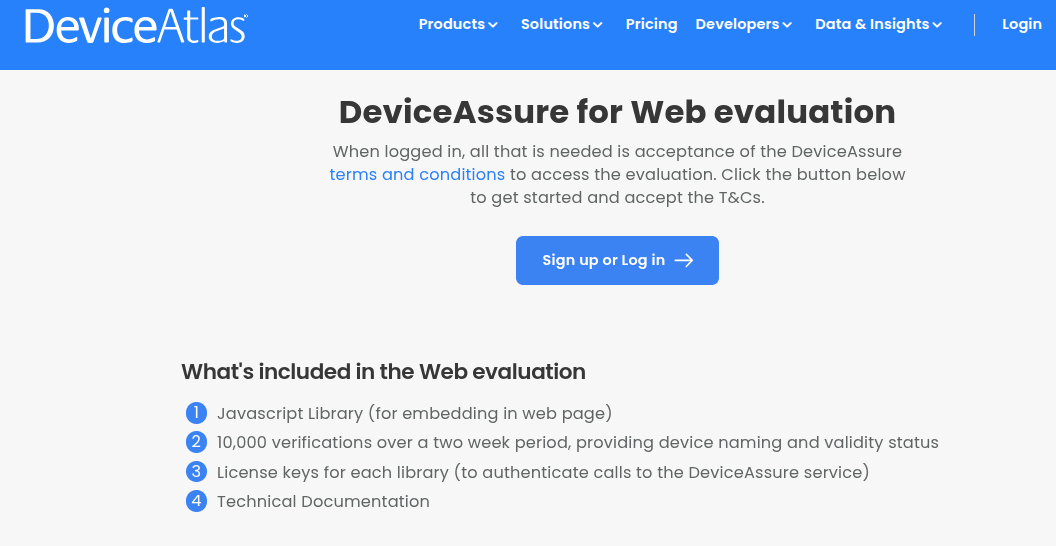
Step 3: Sign Up or Log In
Click on the 'Sign Up or Log in' button to proceed.
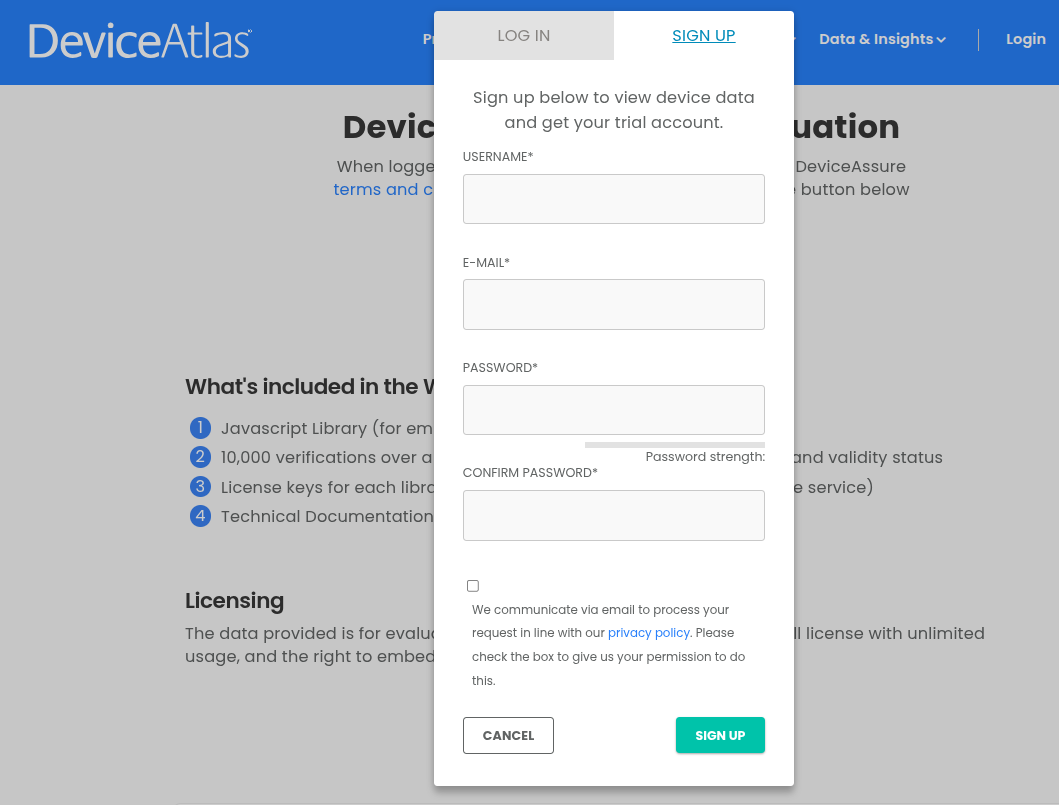
Step 4: Create an Account or Log In
If you are a new user, complete the sign-up process. If you already have an account, log in with your existing credentials.
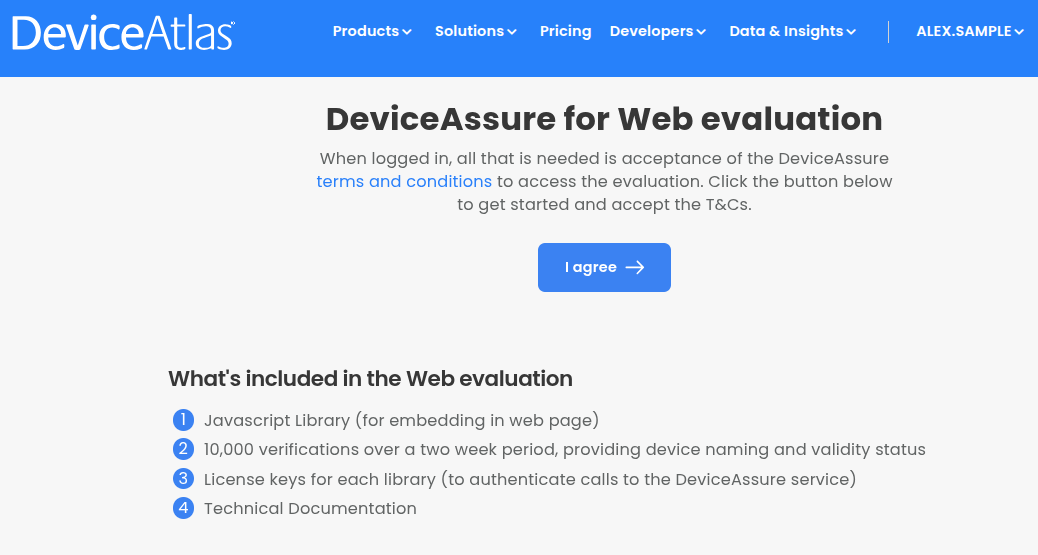
Step 5: Accept the Terms and Conditions
Review the Terms and Conditions carefully. Once you are satisfied, click the 'I agree' button to accept.
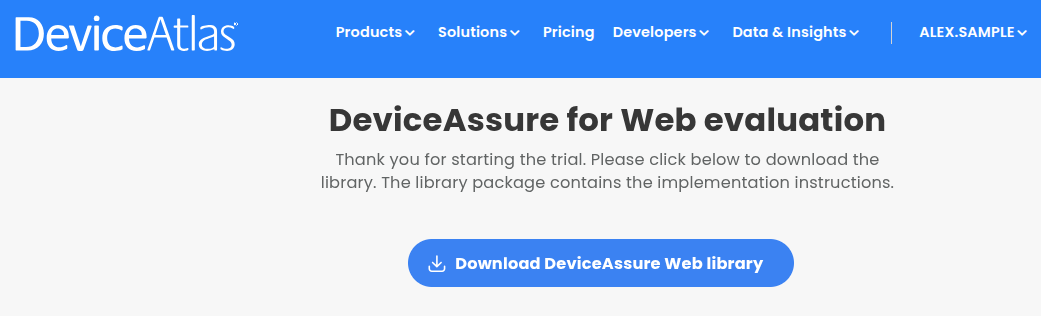
Step 6: Download the Library
After accepting the terms, the button will change to 'Download DeviceAssure Web Library'. Click this button to download the library package, which includes example implementation pages to help you get started.
Step 7: Check Your Email
An email will be sent to your registered email address containing:
- Your licence key for the DeviceAssure Web Library
- A link to download the library again if needed
Next Step
Now that you have the library and your licence key, proceed to Basic Integration to add DeviceAssure to your website.